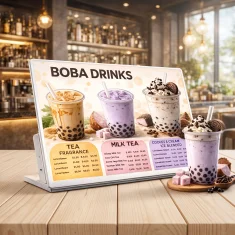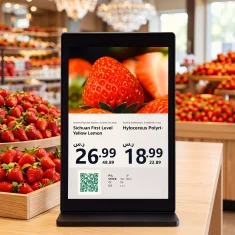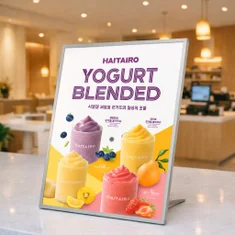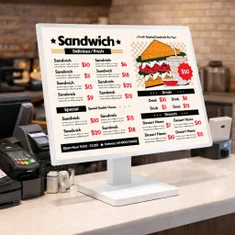


10-inch Interactive Touch Menu Screen
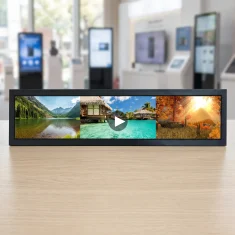
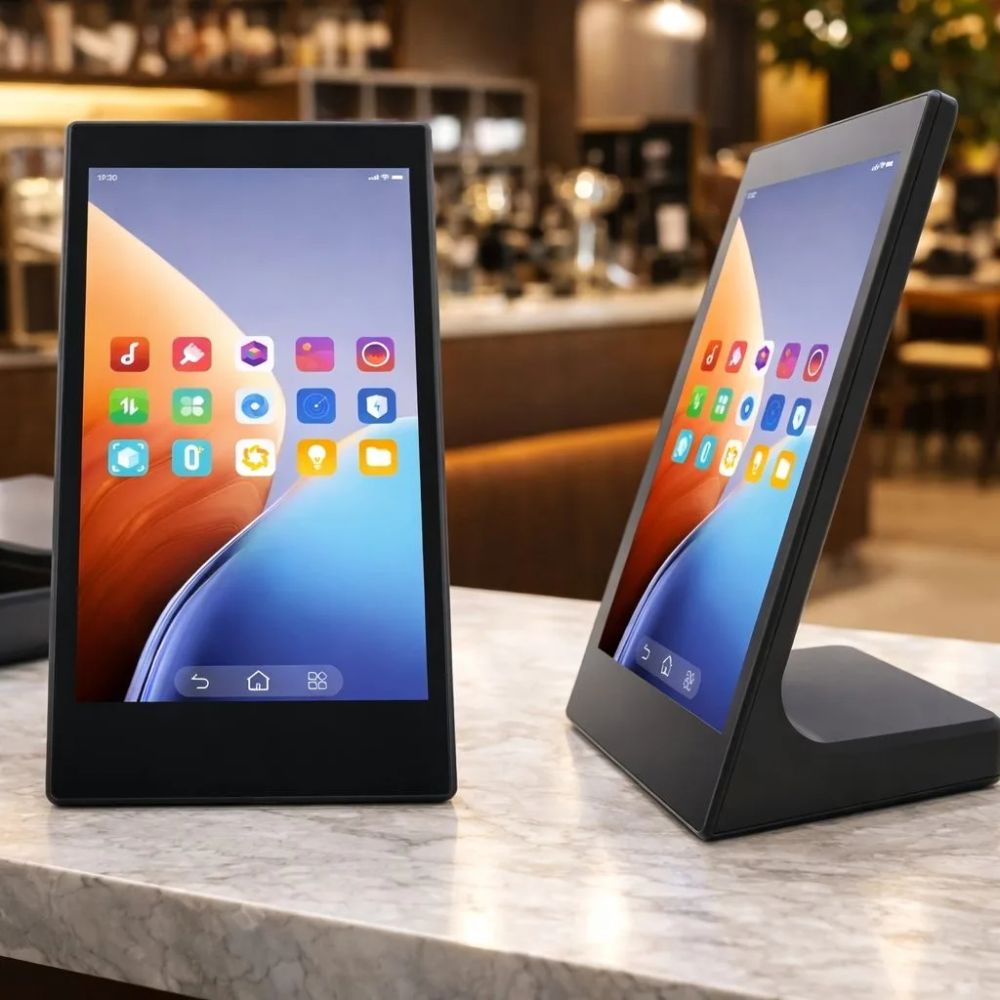
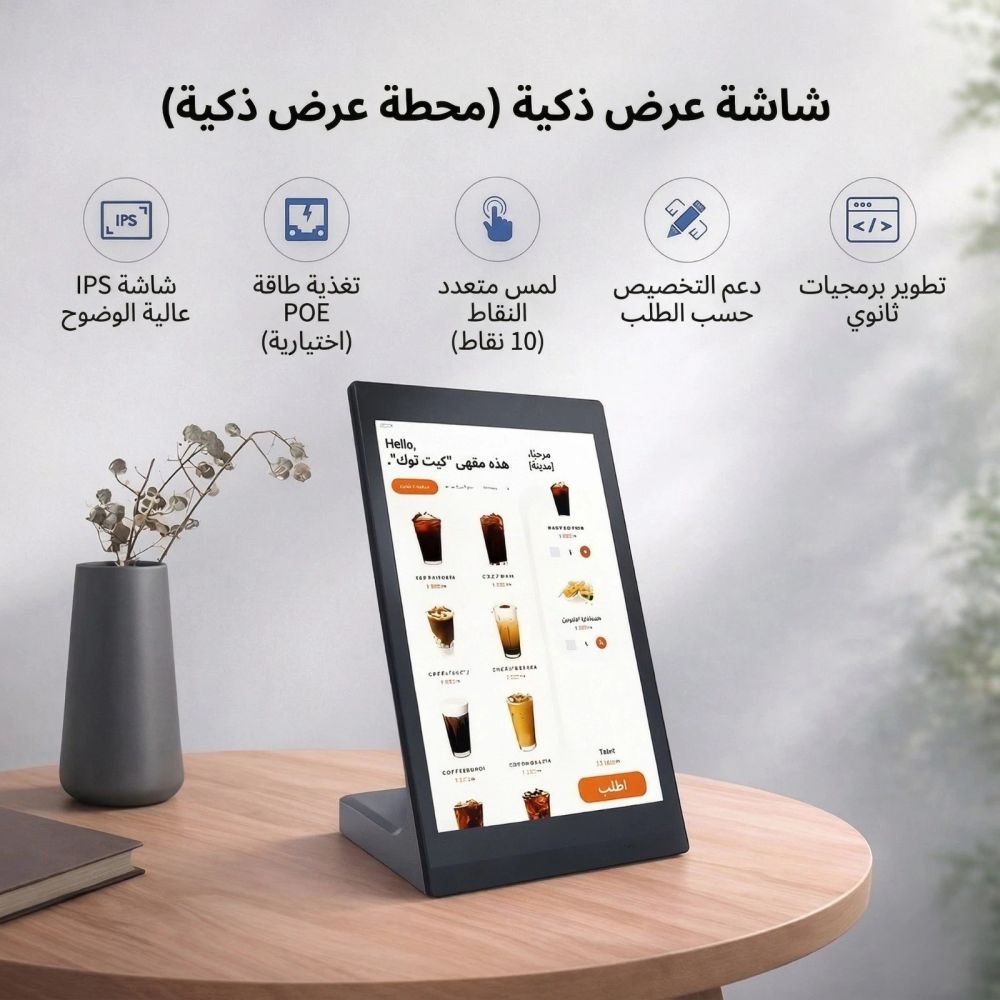
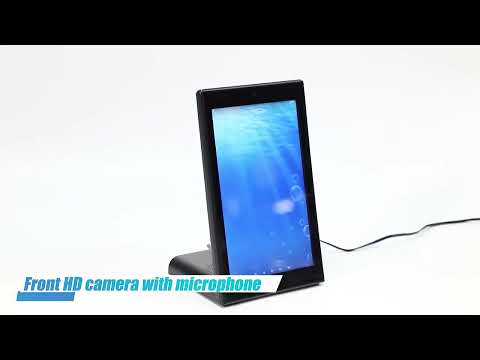
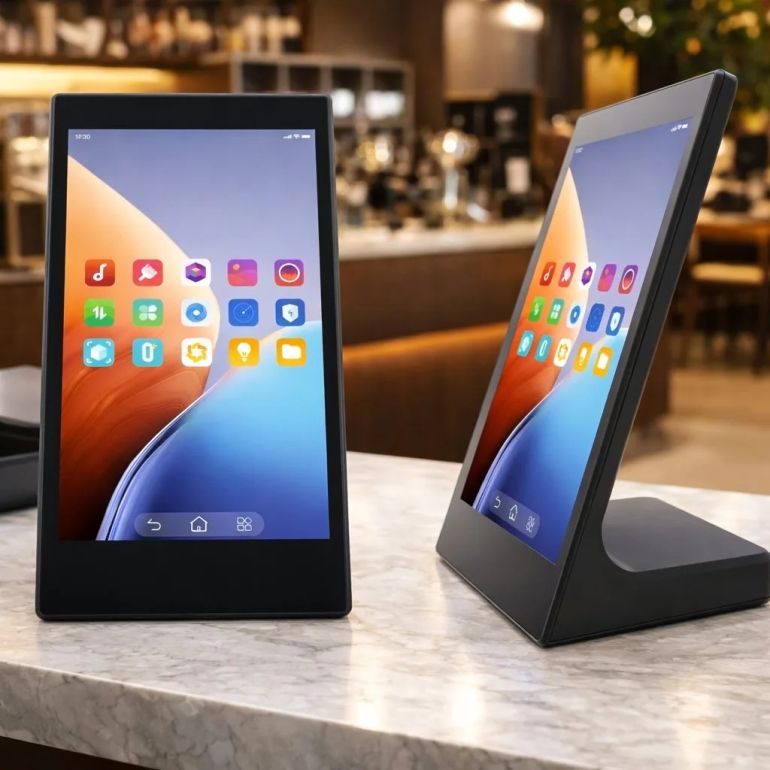
Interactive 10.1-inch Touch Menu Screen (Android - L-shape desktop design). Perfect for restaurants & cafes to boost sales. 2-year warranty & KSA shipping from G.C.M.
more informationSAR 799.00
SAR 998.75
Discount 20%
+
Earn loyalty points with this purchase
Rewardsproduct sku
Weight

share product
Interactive 10.1-Inch Touch Menu Screen Android L-Shape - 2-Year Warranty | Grand City Media (G.C.M)
Technical Specifications & Attributes Table | 10-Inch Touch Menu Screen
| Attribute / Parameter | G.C.M Specification Value |
|---|---|
| Product Name & Category | L-Shape Touch Android Menu Screen (L-Shape Tablet PC) - Exclusive Agent: G.C.M |
| Screen Size & Dimensions | 10.1 inches (Length: 25.50 cm × Width: 16 cm) |
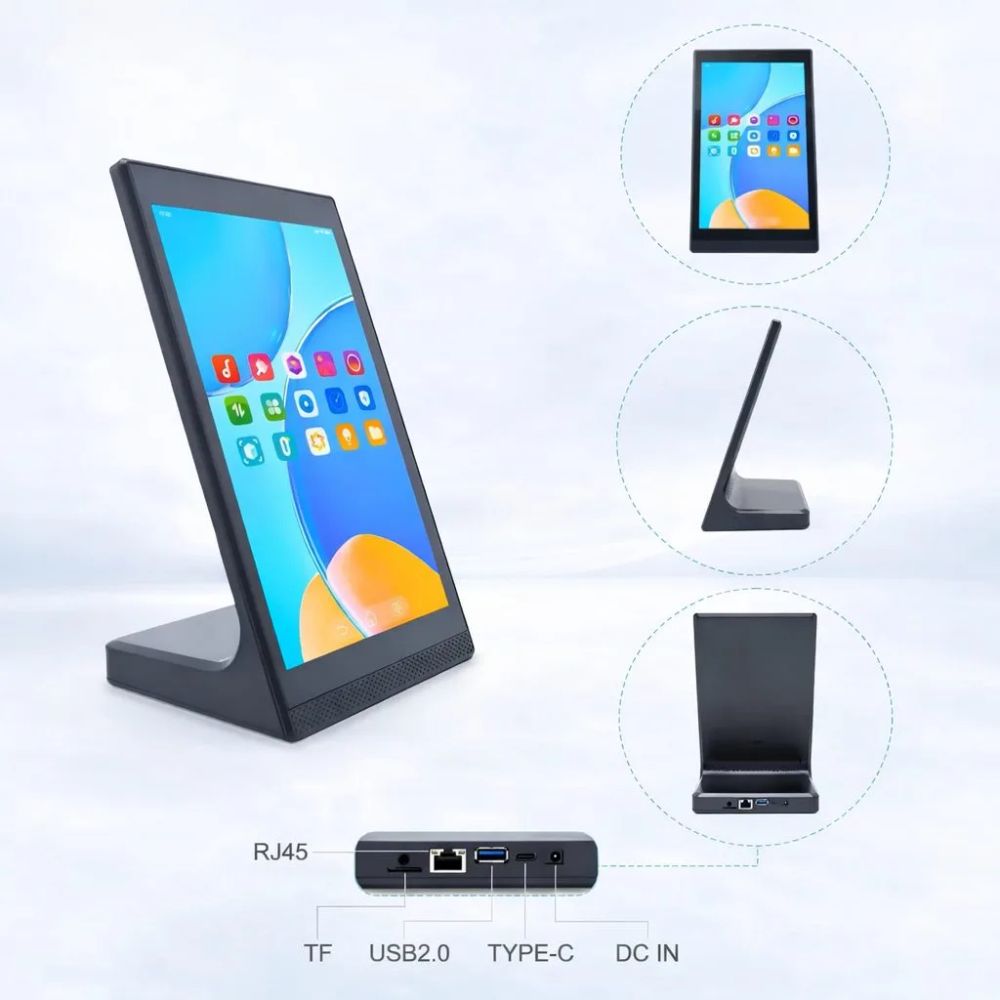
| Design & Desktop Structure | L-shaped tilted self-standing desktop housing (Countertop use only - No wall mount support) |
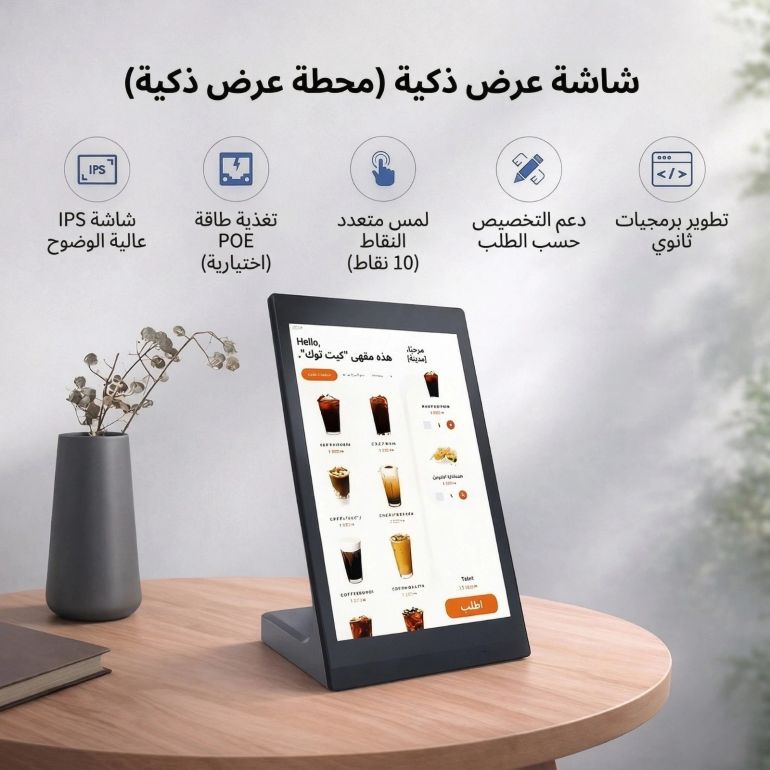
| Touch Tech & OS | Multi-point Capacitive Touch Screen + Android OS with Google Play Store support |
| Hardware (CPU, RAM, ROM) | Commercial Rockchip CPU (RK3566/RK3288) + 2GB RAM + 16GB Storage |
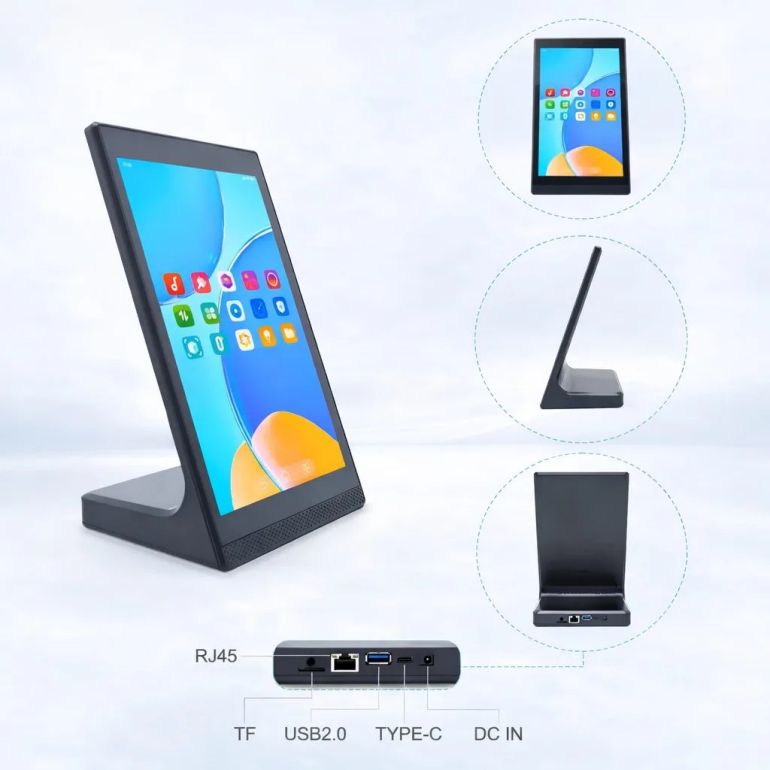
| Connectivity & Ports | Wi-Fi + Bluetooth + RJ45 Ethernet (PoE) + USB Ports + OTG + TF Card Slot |
| Operation & Reliability | Plug & Play Auto Boot upon power connection + 24/7 continuous commercial operation grade |
| Warranty & Logistics | 2-Year certified warranty | KSA-wide shipping & branch pickup options |
Key Decorative & Technical Features
- Digital Customer Experience: Highly responsive capacitive touch screen providing seamless, direct menu browsing.
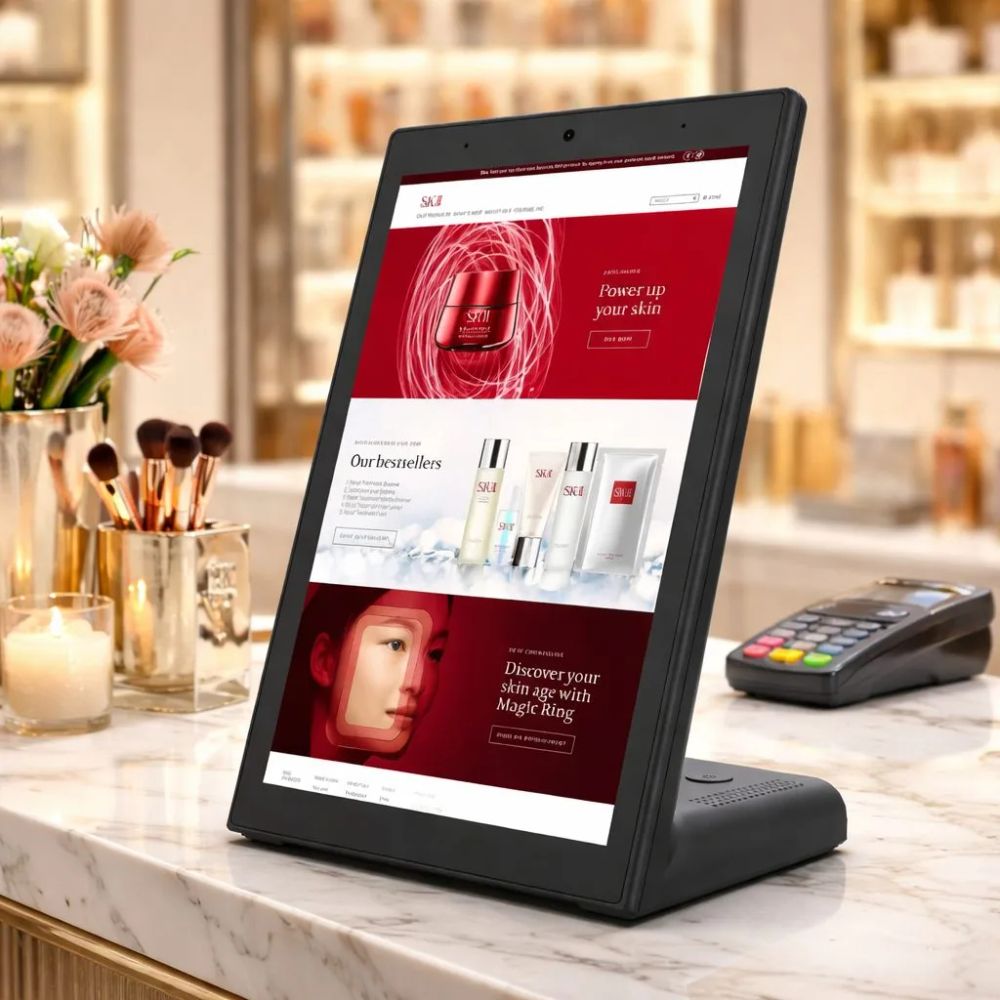
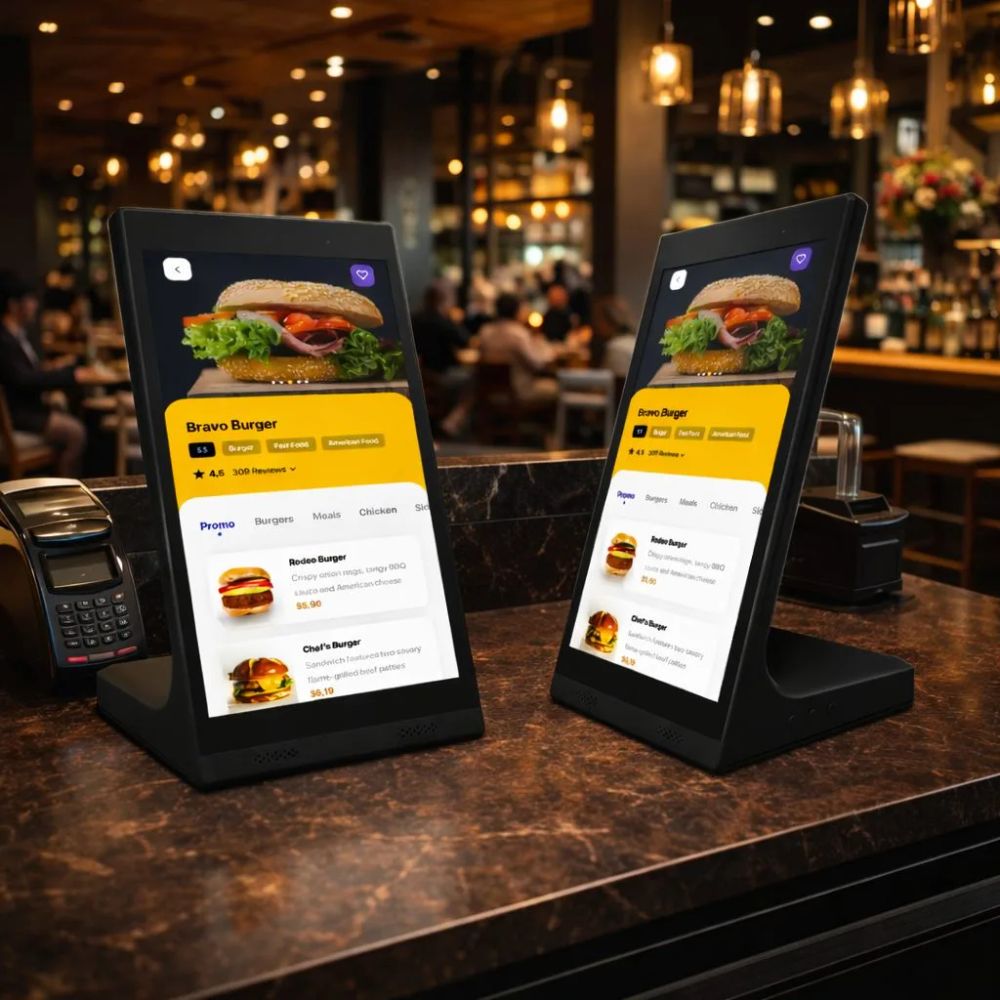
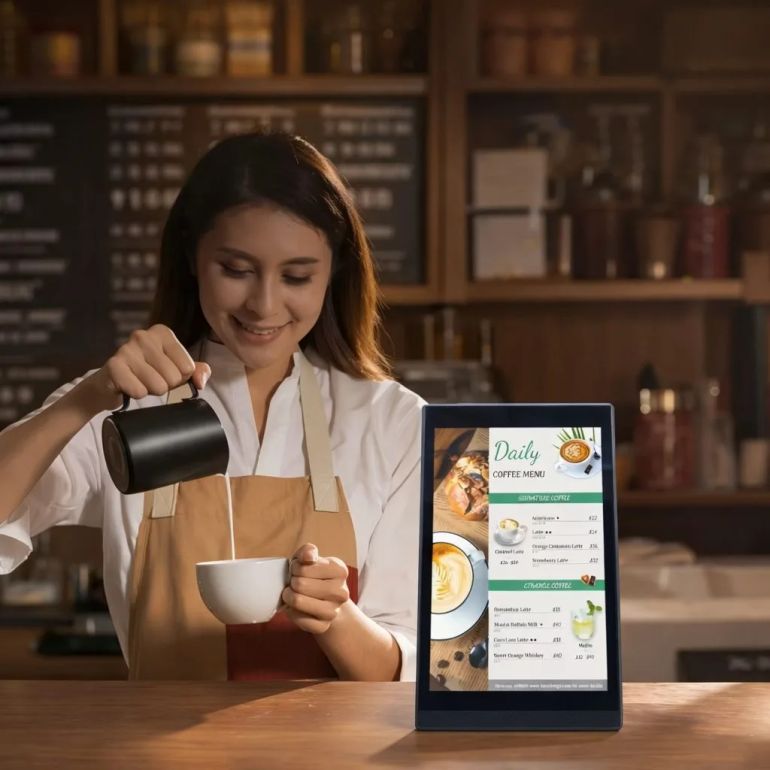
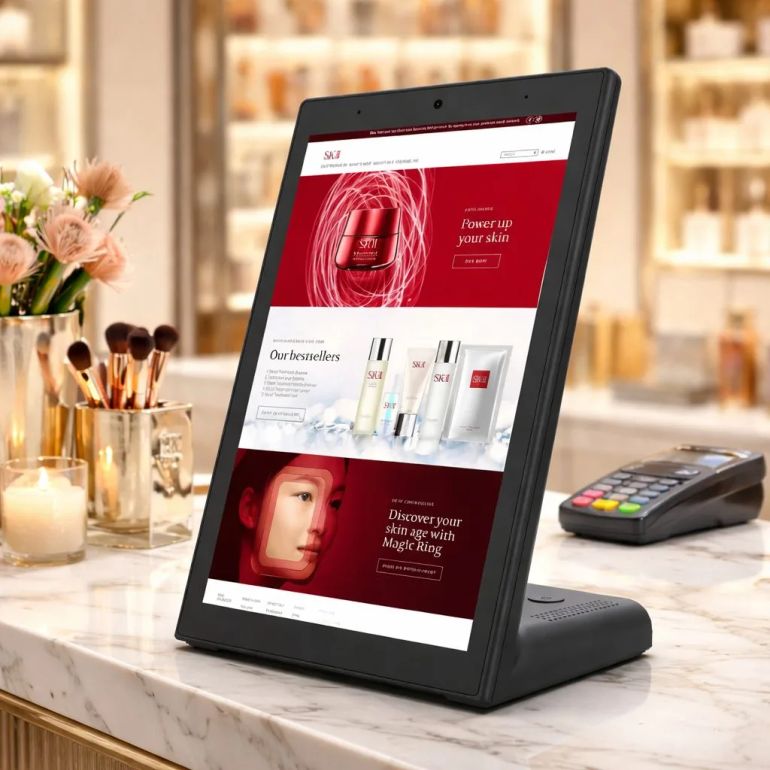
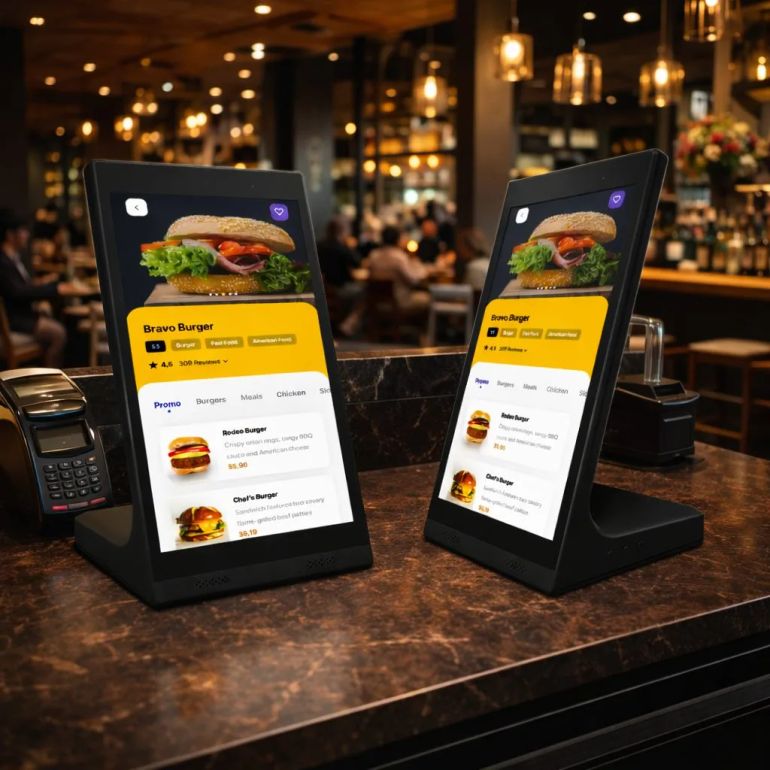
- Upselling & Sales Boost: Highlight promotional items and special offers using high-contrast videos and images.
- Ultra-Stable Desktop Design: Self-standing L-shaped structure providing robust countertop stability and clean cable management.
- 24/7 Continuous Operation: Commercial-grade internal hardware built to withstand long operating hours without performance throttling.
- Flexible Android Ecosystem: Full compatibility with cloud-based menu software and POS systems via Google Play.
Formal Uses & Commercial Applications
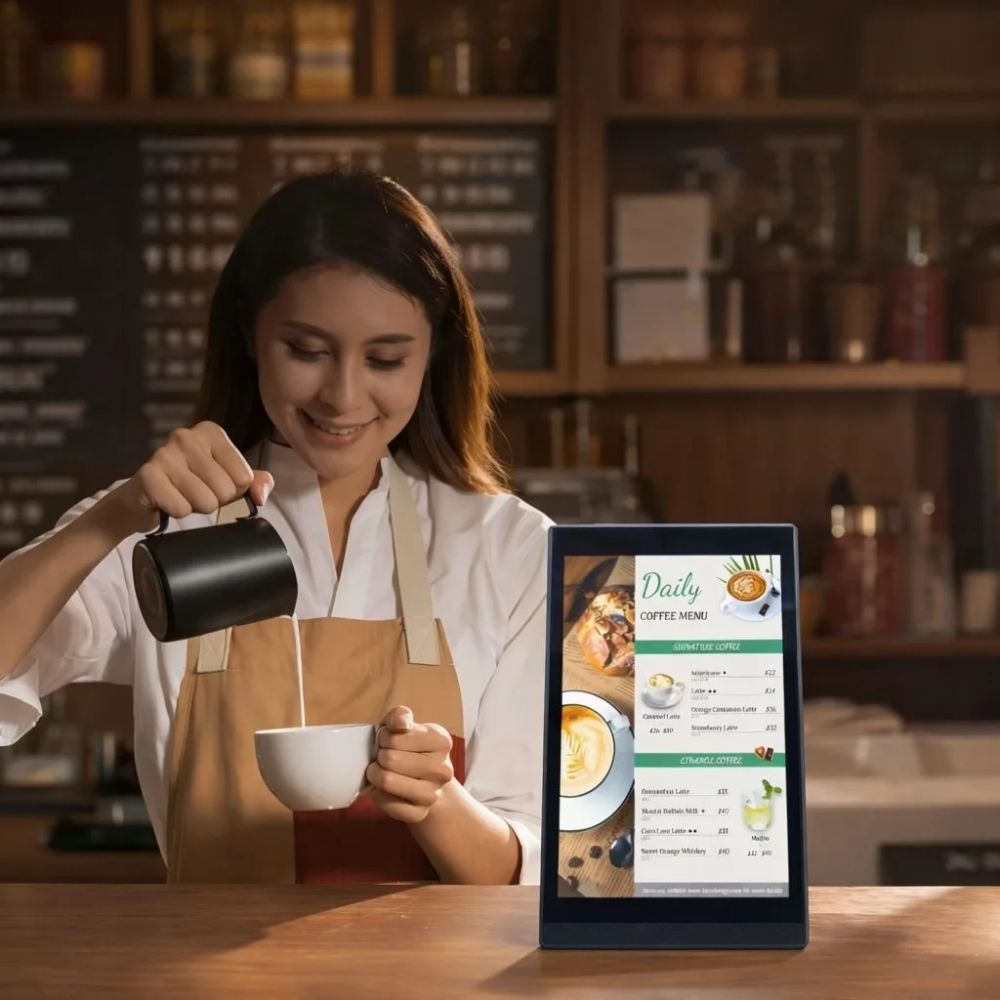
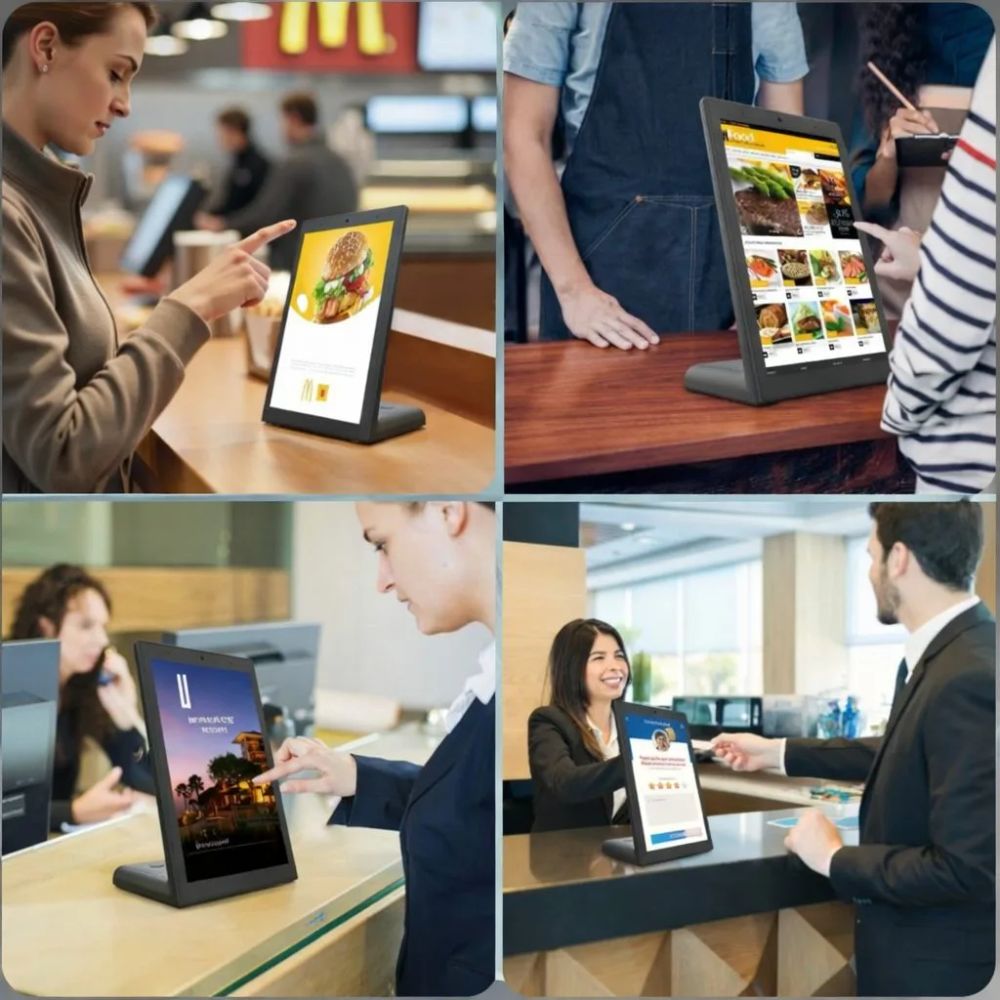
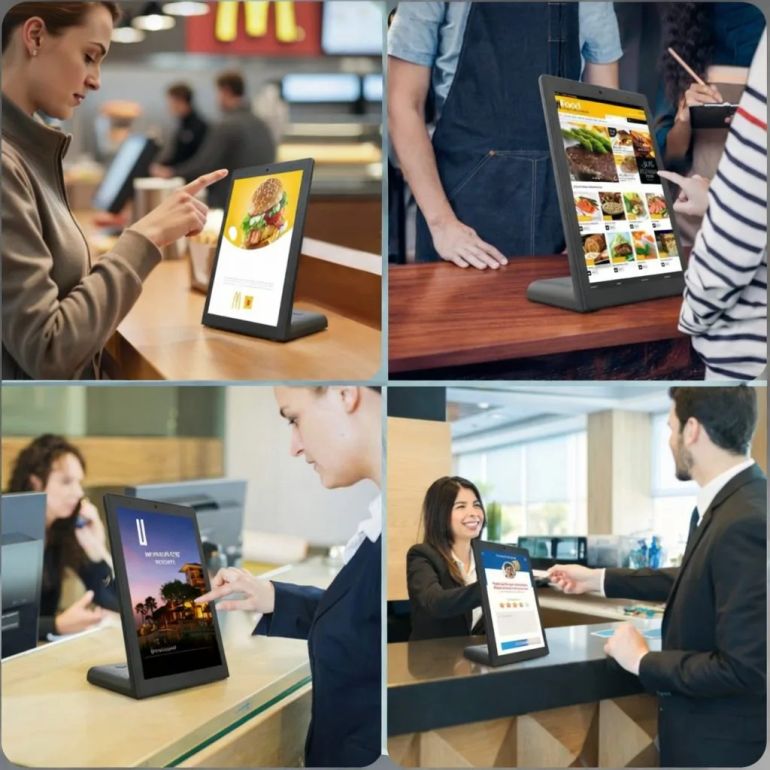
- Restaurants & Cafes: Interactive counter menus, self-service ordering terminals, and digital daily specials displays.
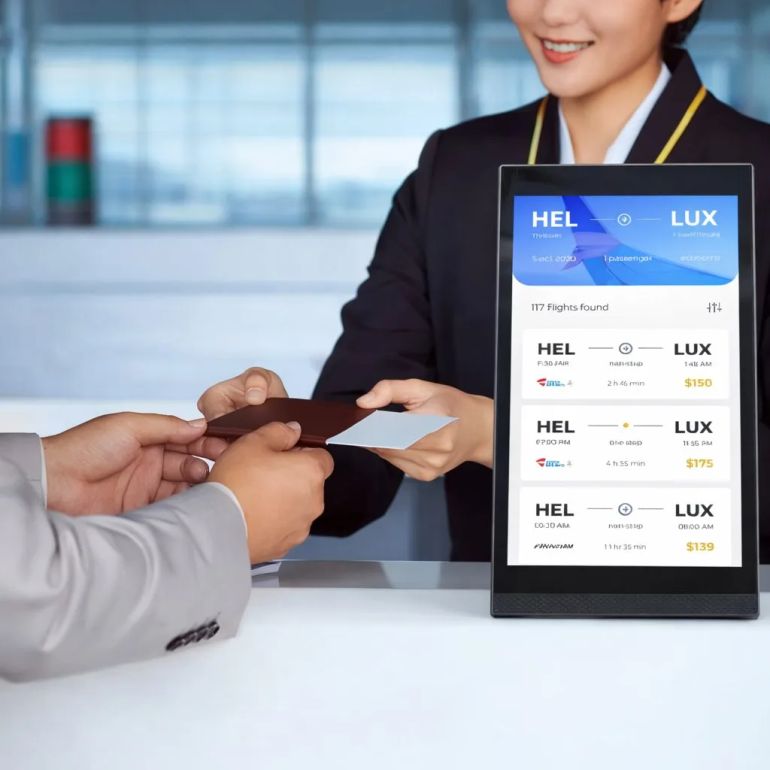
- Retail POS Terminals: Dedicated customer-facing counter display for invoice details, loyalty programs, and payment confirmation.
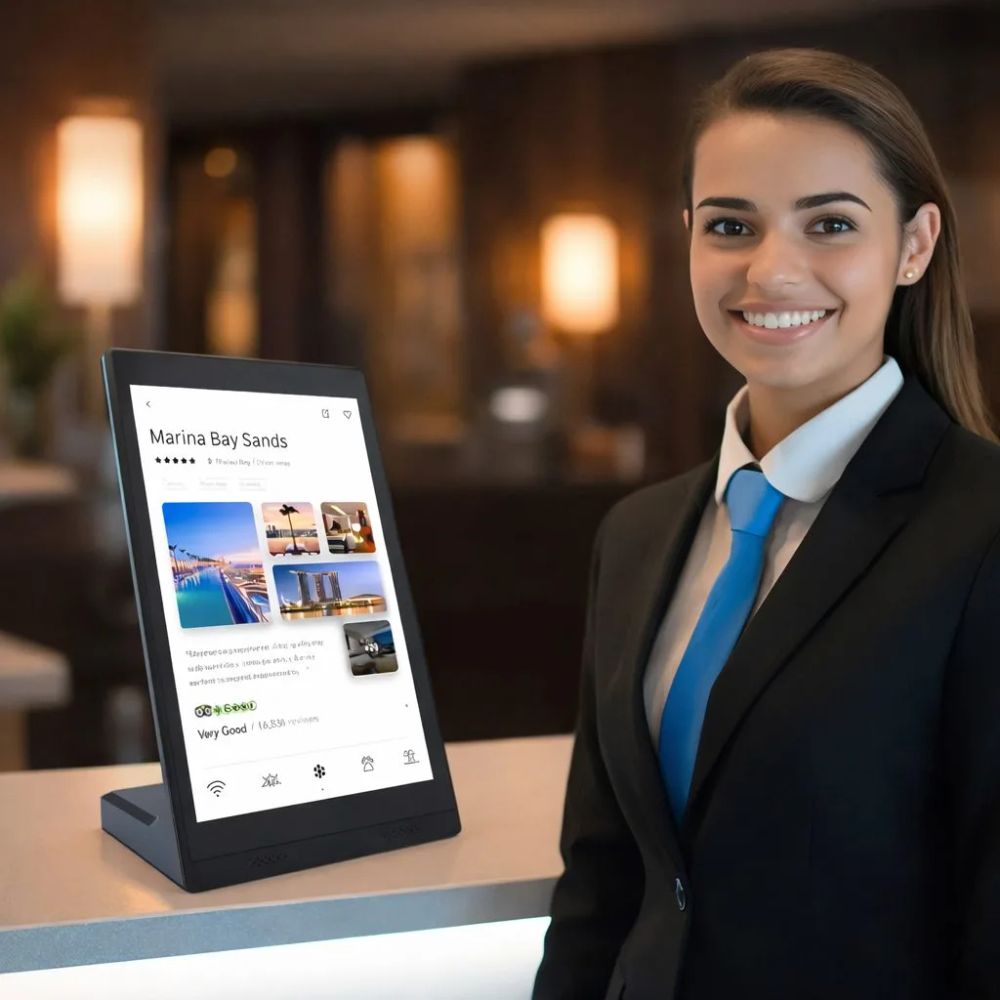
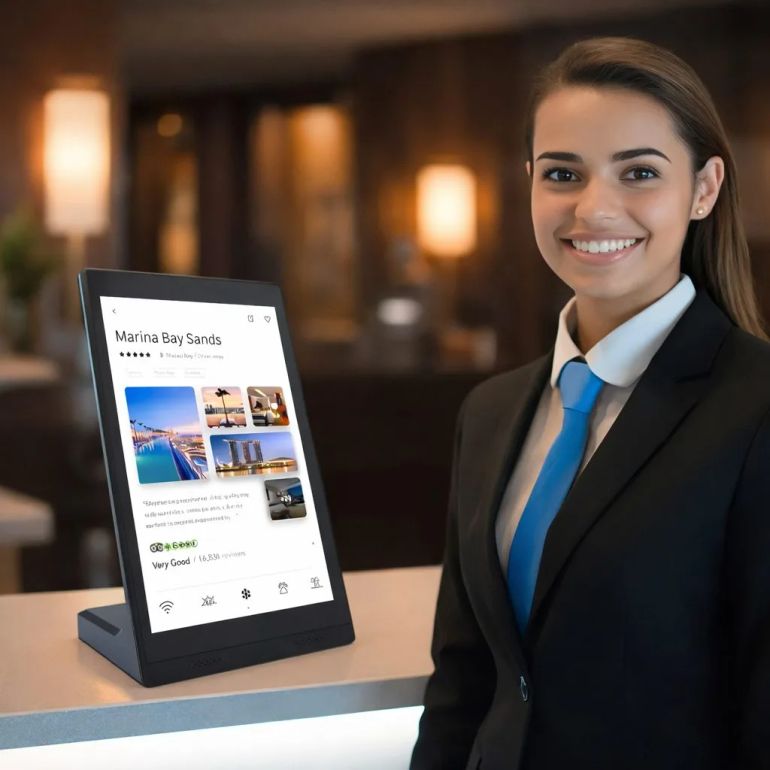
- Hotels & Reception Desks: Self-check-in interactive terminals and service feedback collection at reception desks.
- Exhibitions & Events: Reception table platform for digital catalogs and visitor registration.
Frequently Asked Questions (FAQ)
Q: Does the screen require an external stand or wall mount?
A: No, it features a self-standing L-shaped desktop design that sits directly on counters or tables and does not support wall mounting.
Q: Does it support Android apps and cloud menu software?
A: Yes, it runs on stable Android OS and fully supports downloading applications via Google Play Store or APK installations.
Q: What is the warranty period for this screen?
A: It comes with a certified 2-year warranty covering manufacturing defects to ensure business continuity.
Q: Is shipping available across all cities in Saudi Arabia?
A: Yes, we provide flexible and fast shipping services to all cities and regions across the Kingdom, alongside convenient branch pickup options.
Operating Manual
Setup and operation in 5 steps.
1. Plug & Play Auto Boot: Connect the included original power adapter; the screen powers on and boots up automatically without pressing any buttons.
2. Seamless Network Setup: Swipe down from the top to connect instantly to your Wi-Fi network, or plug in an RJ45 Ethernet cable for a reliable wired connection.
3. Install Apps & Business Systems: Access the Google Play Store or Google Chrome browser to easily download and deploy your POS software, digital menu app, or self-order system.
4. Instant Media & USB Playback: Insert a USB flash drive or TF/SD card to display and loop promotional videos, image menus, and marketing slides in high resolution.
5. Quick-Access Home & Mounting: Touch and hold any app icon to pin it as a home screen shortcut; position on your counter using the built-in stand or mount to the wall via VESA.